
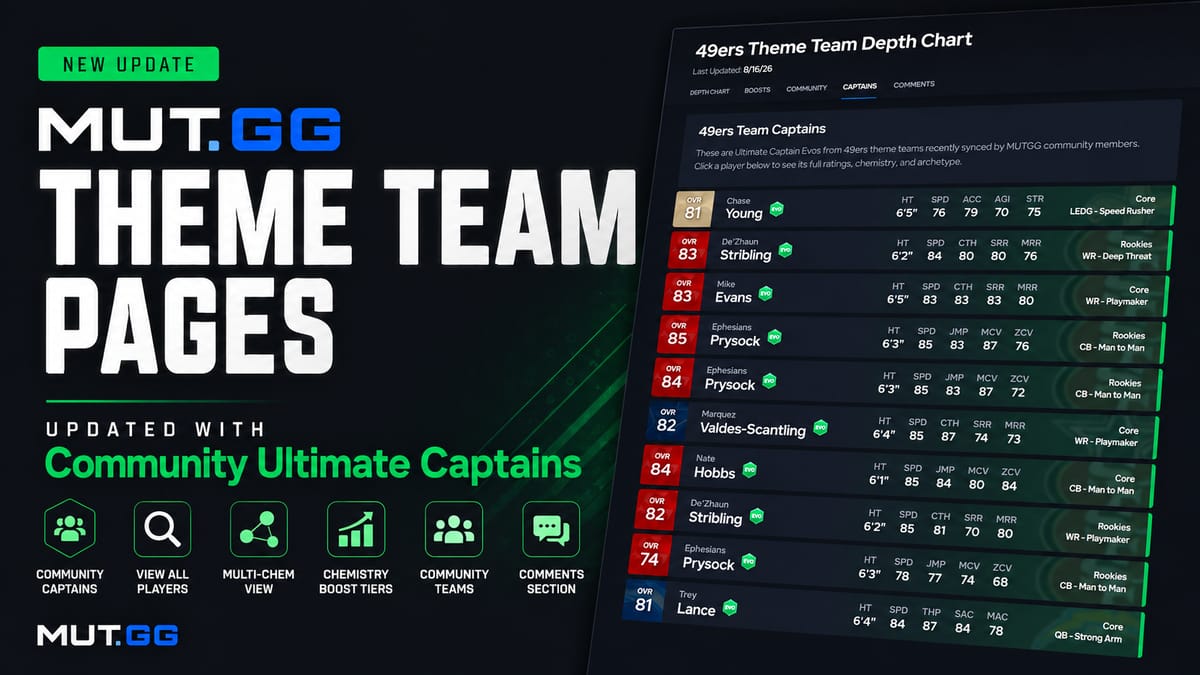

Happy Madden Launch! Our team has been hard at work updating MUT.GG for the release of Madden Ultimate Team 27, including an all-new feature that lets you see the Ultimate Captains being used by other members of the community!
Below, we'll explain how the new Captains feature works and recap several other improvements we made to our Theme Team pages late last year in case you missed them.
Community Ultimate Captains 🆕
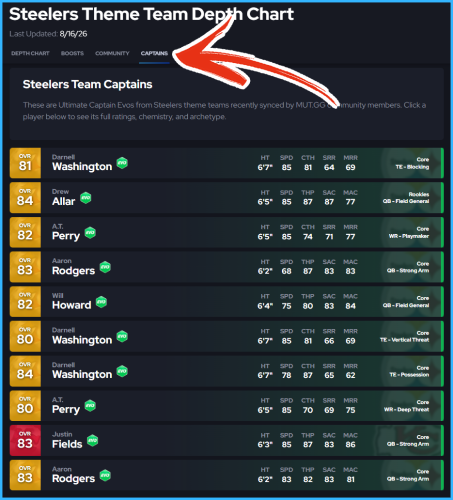
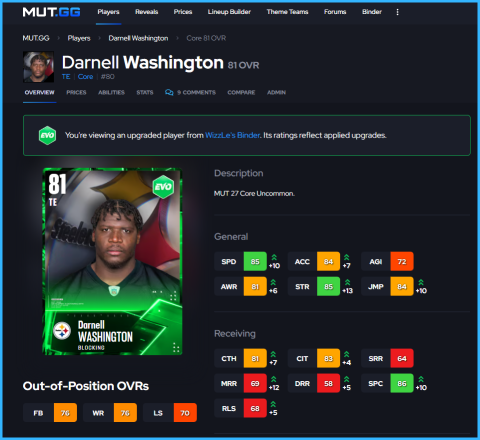
Now, when viewing any of the 32 NFL Theme Team pages, you'll find a new tab called Captains. This section displays the 10 most recently synced Ultimate Captains from community members using that team's Chemistry. It's a great way to see which players other people are choosing as their Captain and the ratings they can achieve after being upgraded!
If you would like to share your Ultimate Captain with the community, be sure to check out our Binder Sync feature, which allows you to view your team in our Lineup Builder, see where your players rank on our stat leaderboards, sort/filter your Binder with our tools, and more!
If you would like to sync your Binder but keep your Captain and Depth Chart anonymous, go to Binder → Depth Chart and click Hide my Depth Chart under your Public URL.
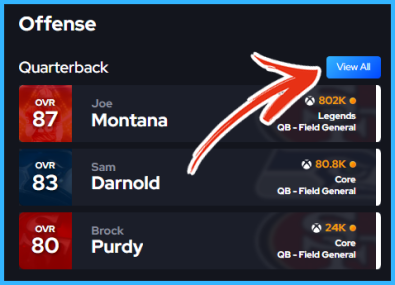
View All Button
"View All" buttons have been added to each position group, allowing you to see every available player at that position who played for the selected team.
By default, our Theme Team pages only include players who actually played for that franchise, based on Pro Football Reference team history. If you want to see every player who can equip that Team Chemistry, regardless of whether they actually played for the team, enable "Include All Players" before selecting "View All."
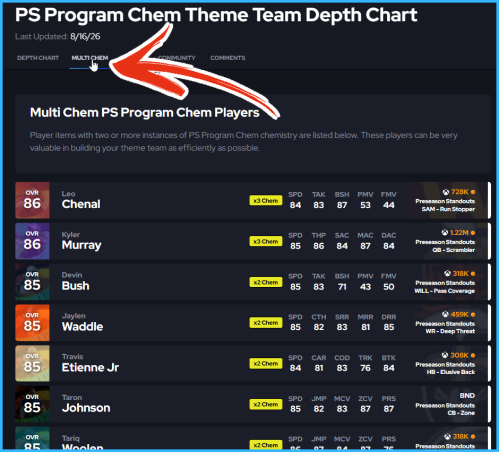
Multi-Chem View
A tab has been added to Theme Team pages that shows all players who can equip x2 or more of a Team Chemistry. Multi-Chem players are helpful when filling out a roster and working toward the max tier of Chemistry boosts. We're still waiting on our first Multi-Chem players of MUT 27, but check out an example of Preseason Standouts in the image below for now.
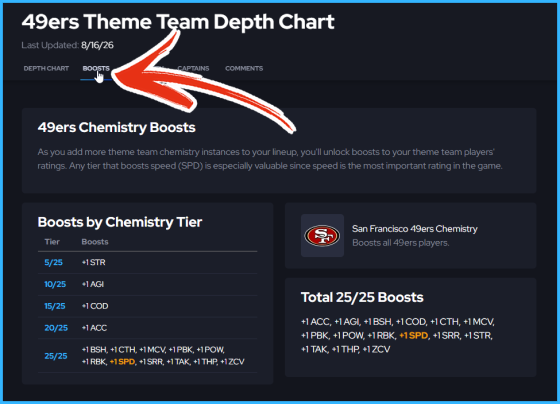
Chemistry Boost Tiers
A Theme Team Boosts tab has been added to display every boost tier available for a Team or Program Chemistry, making it easy to see exactly what ratings you'll gain as you add more Components. Speed (SPD) boosts will always be highlighted so you can quickly identify the thresholds needed to earn additional SPD.
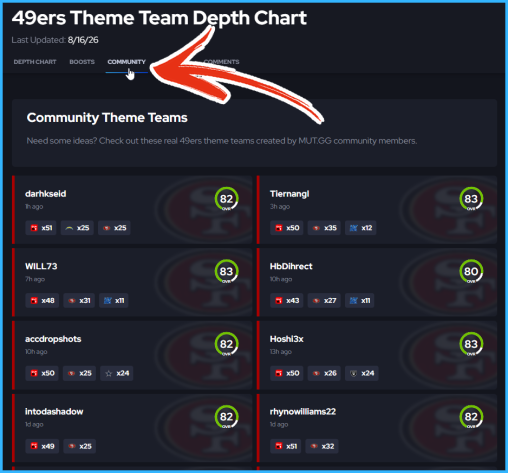
Community Theme Teams
Similar to our new Captains tab, we also have a Community tab that displays the 10 most recently synced teams using the same Team Chemistry, along with an option to view each team's full Depth Chart. The minimum threshold for a team to appear here is the first tier of +SPD boosts. Up to three active Chemistries with at least 10 Components each will be displayed for every community lineup.
Synced Depth Charts will display your MUT.GG username by default. If you would prefer to remain anonymous, follow the steps outlined in the Community Ultimate Captains section above.
Comments Section
We've also added a Comments section to the bottom of every Theme Team page, giving the community a place to discuss players, lineup decisions, upgrades, and anything else related to that Theme Team. The newest comments will be displayed first.
What are your thoughts on the latest updates? Which Theme Team(s) are you running this year?

Comments