
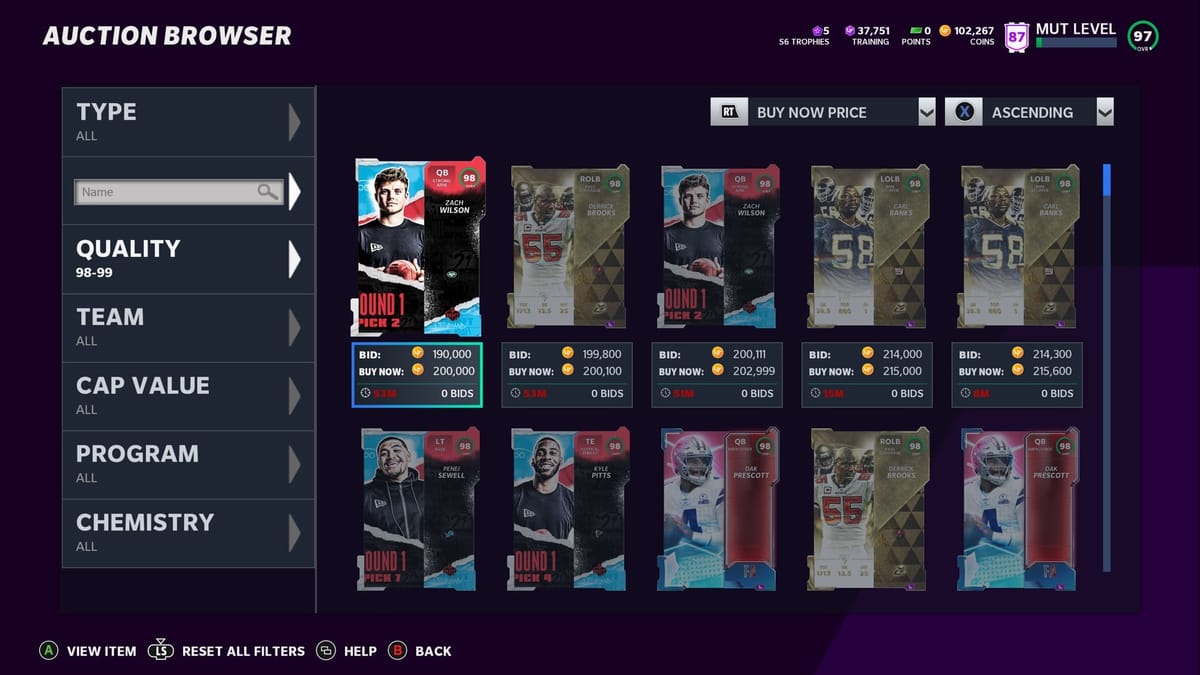

It's an exciting day at MUT.GG because prices are LIVE! That's right. You can now check Madden Ultimate Team cards in our database and receive in-game prices that are always up-to-date for Xbox, PlayStation, and PC. Rocketz and his amazing team of developers have been hard at work with one goal in mind: provide fast and reliable pricing information for everyone in the MUT community. I would say they have certainly delivered with today's update!
Let's take a look at some aspects of pricing on MUT.GG and how to start updating prices on your own:
Prices
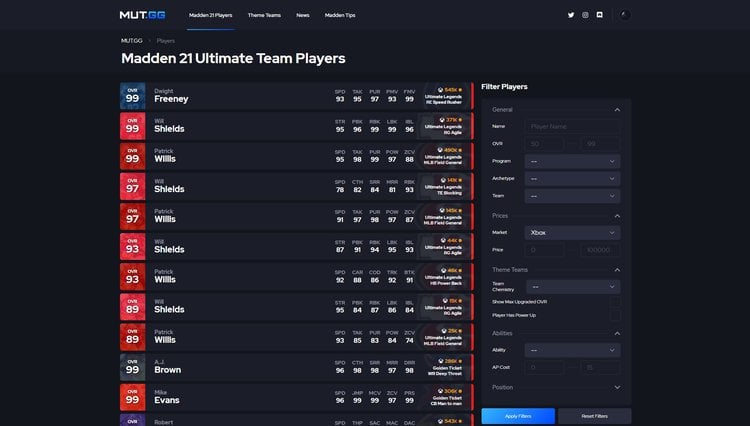
When browsing the site now, you will notice prices in a few new locations. Player listings on the homepage and in the database now have the last updated Coin value displayed along with other details about the player item. See the image below:
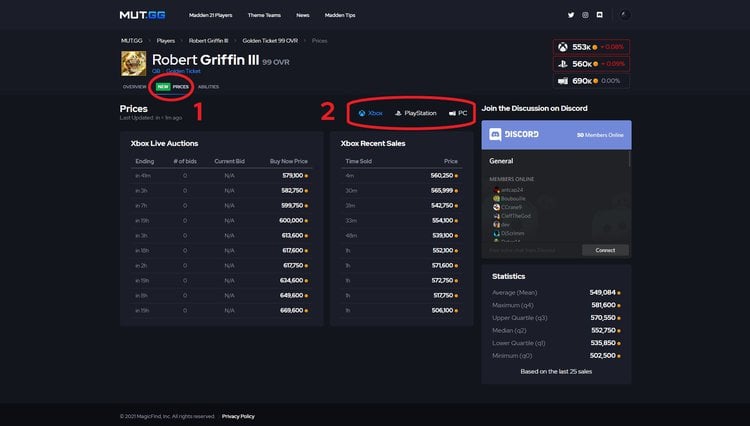
When you open a card's details page, there are 2 important things to pay attention to here for prices:
- Between the "Overview" and "Abilities" tabs you will now see "Prices". Click this tab to see live auctions, recent sales, and key statistics based on the last 25 sales of that particular card.
- Above "Recent Sales" you will find 3 different icons for Xbox, PlayStation, and PC. Selecting your console here will not only display the relevant pricing information for the card but also control all future prices being displayed until this option is changed again by the user in the future. For example, if I'm seeing Xbox prices across the site and want to view PlayStation, I simply open any player item page, click the "Prices" tab, and select "PlayStation". Now every page on the site will remember to display PlayStation prices for me!
Signing Up
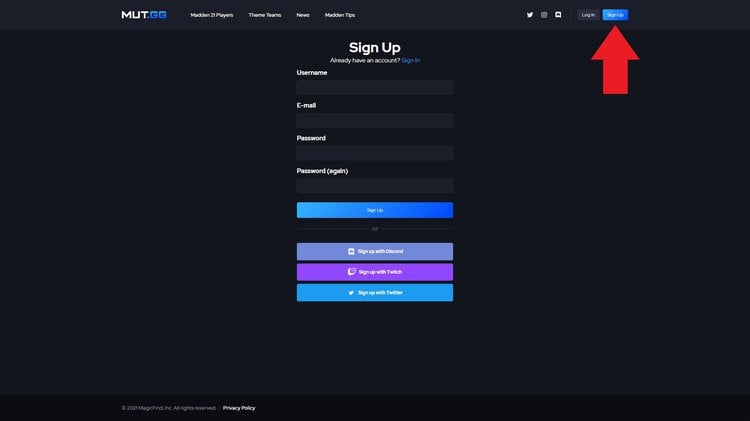
In order to start checking your own prices, all you need to do is create a MUT.GG account using one of the following easy methods:
- Email and Password
- Twitch
- Discord
Once you have signed up, simply open a player's "Prices" tab to receive the latest pricing information available from the Auction House. If you do not create an account, you will need to rely on others to refresh the cards you would like to see by opening the page first.
Stay tuned for additional pricing tools meant to help you make better, more well-informed decisions while playing Madden Ultimate Team!

Comments