

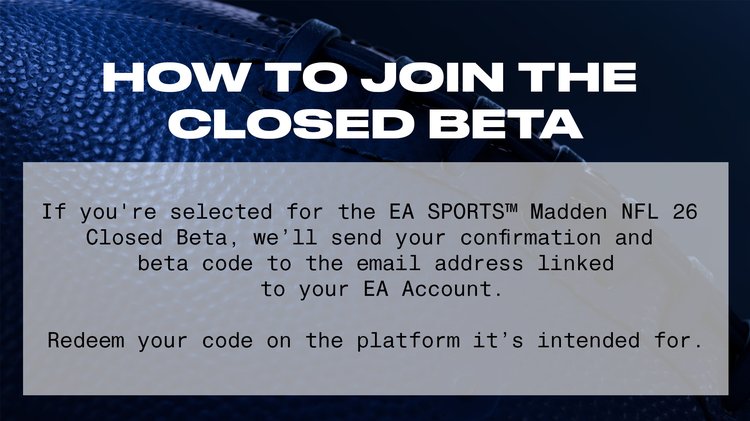
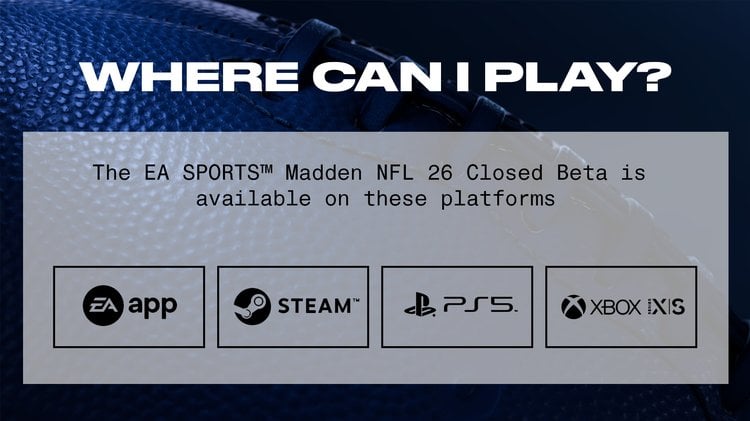
EA announced that they have started sending out Madden NFL 26 Closed Beta Codes! According to EA, codes are being emailed to the most engaged users in Madden NFL 25 across all modes to help ensure quality feedback. So, if you've been a highly engaged user in Madden NFL 25, it's probably worth checking the email account linked to your EA persona. The Beta is available on Xbox X|S, PlayStation 5, and PC from now until Thursday, June 26th at 11:59pm ET. Check out everything you need to know about the Beta below:
*For the original Gridiron Notes from EA, click here.
Things to Keep in Mind while Playing the Beta
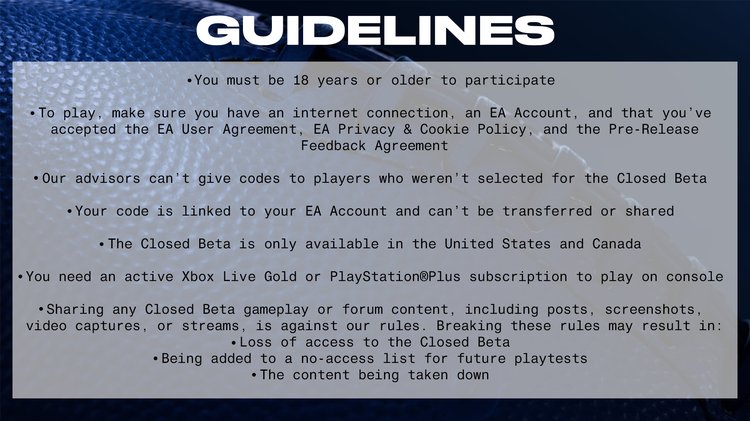
- Madden NFL 26 Closed Beta is available on PS5 and Xbox Series X|S consoles, and is also available on PC via the EA app. You must be 18+ and in the U.S. or Canada to participate.
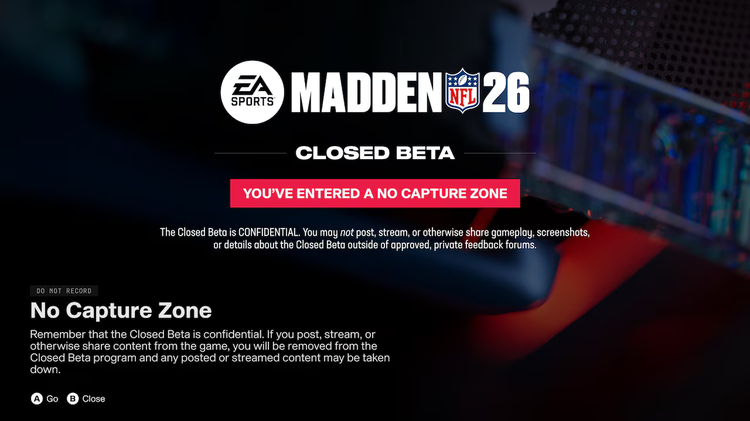
- When participating in the confidential Madden NFL 26 Closed Beta, you must refrain from recording, streaming, and/or capturing any portion of the closed beta.
- You must NOT post videos, thoughts, discussions, screenshots, or stream the closed beta on social media or the Internet. Doing so will result in removal from the closed beta as well as potential bans on all Madden NFL accounts.
- Players, ratings, and playbooks are NOT final and will be updated before the launch of M26
- While Ultimate Team is in the Beta, not all features will be available until launch
Available Game Modes in the Beta
- Play Now
- Online H2H
- Practice Mode
- Madden Ultimate Team
- Mini Games
- Superstar
Available Game Modes in Ultimate Team Beta
- Challenges:
- Training Camp
- Ultimate Preseason
- Forge
- Epic Challenges
- Solo Modes:
- Solo Champions: Easy
- Solo Champions: Normal
- Solo Champions: Hard
- The League (Solo Seasons)
- The Run (Solo Seasons)
- Events:
- College OT: Study Hall (Requires 1 82, 83, or 84 OVR Starter)
- College OT: Beta
- Head 2 Head:
- MUT Ranked
- Gauntlet
- Regular Season
- Sick Six
- Squads Regular Season
- Play A Friend:
- H2H PAF
- All-Madden H2H PAF
- Squads PAF
- Practice Mode
Tips on Providing Feedback
*If you've been selected to participate in the Closed Beta, all feedback can be submitted to EA via their forums.
(1) When providing feedback, keep the following questions in mind:
- What platform are you playing on?
- Where specifically did you see the issue?
- If you are participating on PC, please include the following in your feedback:
- CPU:
- RAM:
- OS:
- GPU:
- DirectX Version:
(2) Try to include the following details with your feedback:
- Game Mode
- Game Style (Arcade, Simulation, Competitive)
- Game Difficulty
- Teams Used
- Playbook Used
- Play call - If a specific play is not applicable, what kind of playcall are you seeing? (e.g. Screen, Play Action, Outside Run, Inside Run, etc.)
- Any adjustments used during the play?
- If applicable, what buttons did you press?
- If you’re playing Franchise, are you playing an offline or online Franchise file?
- Were you doing anything specific in-game? Is this a repeatable issue?
- What did you do prior to identifying an issue?
- What game settings are you using? Did you change any settings at any point?
- Have you seen the issue before?
(3) The dev team has provided a few specific questions to answer when submitting feedback:
- How do you feel about online H2H, are there other options, settings, and additional ways to play you feel would benefit your experiences?
- What do you think of the pass coverage, where do you feel it could improve? Let us know your skill level and game style when providing us feedback on this topic.
- How is the balance between the run/pass ratio AI Playcalling? How accurate are teams calling plays to their real-world counterparts
- Are there any plays you'd like to see for a specific team that are not currently included?
How to Download the Beta if You Were Emailed a Code
(1) To download on PlayStation:
- Use your existing Sony Entertainment Network account on PSN.
- Select the PlayStation Store icon on the system home screen.
- Select Redeem Codes at the bottom of the menu on the PlayStation®Store.
- Enter the code and get ready to play.
(2) To download on Xbox:
- Go to Games under Store.
- Select Use a Code.
- Sign in if prompted.
- Select or enter the 25-character code and get ready to play.
- To download, go to Settings>Account>Payment and Billing> Order History
- Select the Madden NFL 26 Beta >install
(3) To download on EA App:
- Go to your EA App Library.
- Select “Redeem Code”.
- Enter your provided code and get ready to play.
Madden NFL 26 Known Beta Issues
Gameplay Known Issues:
Coverage
- Outside Deep Zone Match Defenders are sometimes taking unintentional missteps giving up deep ball passes.
- 2 Man Under defenders will sometimes move towards the LOS taking themselves out of position to play deep passes.
- Users attempting to select a DB covering a Streak route are sometimes getting switched to the Safety instead of the CB running with the Streak.
- Sometimes “Show 2” Coverage Shell does not work when attempting to use it on a Single High defense.
QB & Passing
- When attempting to playmaker the receiver up the field you sometimes get an unintended Truck move.
- Sometimes attempting to throw on the cut on an outside breaking routes is off target even when the QB rolled an accurate pass.
Catching
- We have some catch holes when throwing to the back of a receiver on a Flat or a short out route.
- Dev Note: A catch hole is when a targeted receiver may not trigger a catching animation when a ball is in range for a catch.
- User controlled defenders have a low catch chance when running up the field attempting an interception.
Pass Rush
- Some Stunts & Twists selections from the Stunts & Twists menu are not playing out on the field.
- Pass Rushers will sometimes attempt Defender Pass Rush Skill moves after the QB has already started scrambling out of the pocket.
- Offensive Linemen are sometimes incorrectly turning their backs to defenders resulting in defenders coming in unblocked.
Offensive AI
- AI teams in the redzone often throw short of the endzone on 3rd & 4th Downs.
- AI teams attempt 50+ yard field goals in heavy snow games.
- Data-Driven Playcalling is recommending the same play too frequently.
Mini Games
- The game sometimes crashes at the end of the Pocket Presence or when progressing into Trench Battle.
Pre/Post-Play
- Players walking in place after the play.
Superstar Known Issues:
- Some rewards may appear delayed and may require re-entering the mode.
- Some rewards may not be granted properly.
- Some Notifications may not be interactive.
- When completing a Weekly Activity and then navigating the Play tab, Gameday Shorts may become unavailable until re-entering the mode.
Presentation Known Issues:
- No highlights at halftime.
- Banners can appear with incorrect data and/or player portrait.
- Character and/or camera clipping in pregame runouts.
- The camera sometimes doesn’t track action properly in post play or replay.
- A highlight montage sometimes can’t be skipped.
- Please note that licensed music is not allowed in the beta.
- Some volume levels in the audio mix are not final.
- The playlist button does not open the playlist (it’s disabled in beta).
- Xbox Series S is rendering at 30 fps during gameplay (fixed for launch).
- Xbox Series X and PS5 in Favor Resolution and Favor Performance mode are rendering at 30 fps during gameplay (fixed for launch), Favor Visuals mode is unaffected.
- Shadow quality issues.
- For the best gaming experience across all platforms, please select the "Favor Visuals" mode in the Graphics and Performance settings. The other two options are currently not functioning correctly but will be fixed by launch. We recommend that Xbox Series S Players specifically perform these steps.
- To adjust these settings:
- Go to Graphics.
- Select Performance Mode.
- Choose Favor Visuals.
- To adjust these settings:
Ultimate Team Known Issues:
- House Rules text is too far to the left and overlaps the text box.
- The Progression Rewards UI elements on the right side of the Event Screen exhibit visual overlap and alignment is off.
- Strat items have duped names.
- The name is displayed twice for all non player items.
- "Unopened Packs" header on the top left corner of the screen overlaps with the number of unopened packs.
- Event entry option doesn’t indicate token/lock requirement
- There is no clear indicator on the event select screen that the option is locked until the user goes to access the event. Select Events tab, Gauntlet for an example.
- Various issues with card flipping - Scrolling while flipping cards in catalog will result in multiple player card issues.
- Wildcard player image OVR blocked by plus sign within sets.
- Within events the drop down has no visual for what button to press.
Note: The NFL player and Rookie Ratings throughout the Madden NFL 26 Closed Beta have been scrambled/randomized and are not final.
Community FAQs (Answered by EA)
Q: Is cross-platform functionality available for the Madden NFL 26 Closed Beta?
A: You will have the opportunity to use crossplay features in Play Now, H2H Ranked and Madden Ultimate Team. Crossplay will be automatically enabled when entering the closed beta. To disable cross-play, Playstation and PC users can disable the feature in their Madden NFL 26 settings. Xbox Users will have to disable crossplay from their console settings outside of Madden NFL 26.
Q: If I didn't receive an email with an invitation to the Madden NFL 26 Closed Beta, what is the best way to get in and play?
A: This beta is designed for our most dedicated players in Madden NFL 25 who can provide the best quality feedback about this Beta.
Q: How do I access the forums to provide feedback?
A: Players will be able to access the forums after they have first downloaded the beta and opened it using their EA ID, and then by following the link provided in your invite email.
Comments