

Show Max Upgrades Update
When the Show Max Upgraded Players box is checked (Found toward the top of the filters) and applied, the ratings shown for Upgraded player items will now correctly show their upgraded ratings. Before, it would only display their max OVR while displaying their base ratings.
Max Upgraded Players box unchecked:

Max Upgraded Players box checked:

Sorting/Filtering Updates
When you sort or filter by an attribute, the displayed ratings will change to show those attributes, prioritizing sorts before custom filters. For example, say you want to sort by Agility, Height, and Speed.
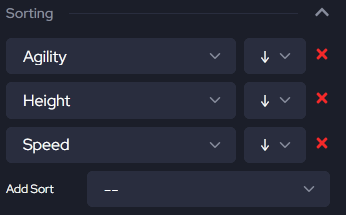
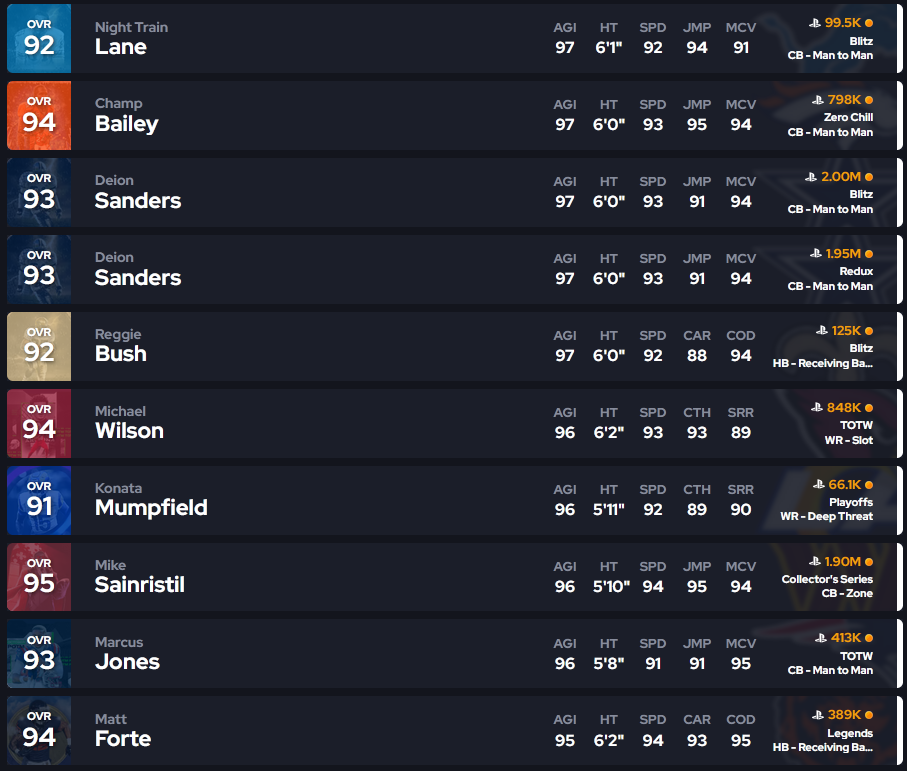
Players will be sorted and ratings displayed in the order given.
Maybe you want to filter out players with less than 95 ACC.
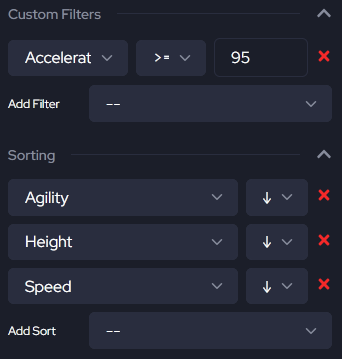
Players with less than 95 ACC will be filtered out, and the rating will be displayed.
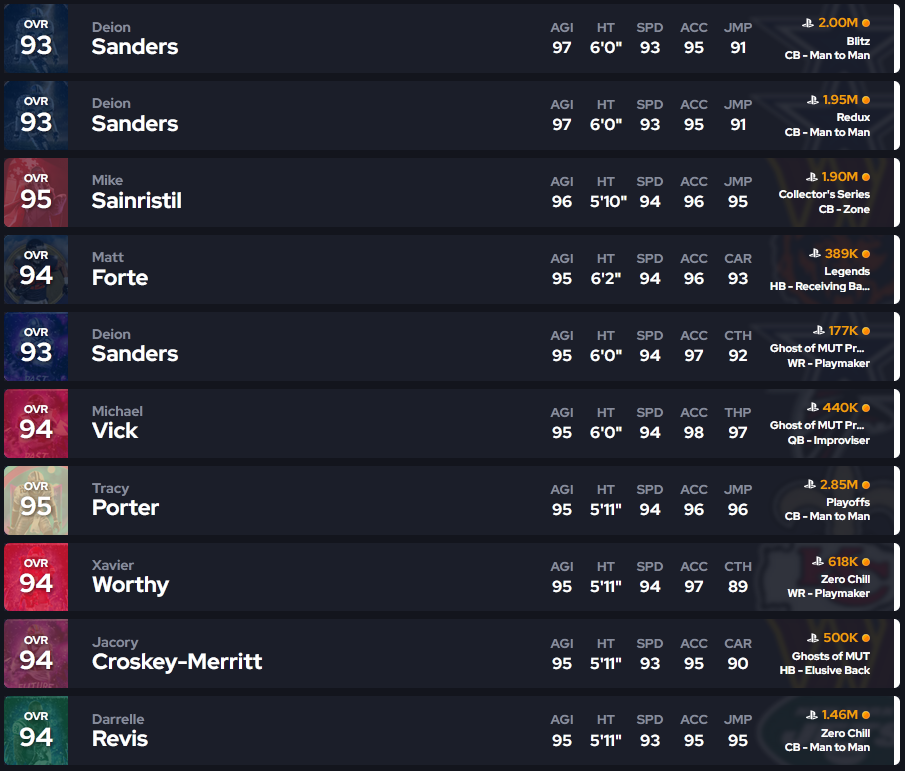
You can add as many sorts and filters as you want to find the player you’re looking for, but only the first 5 attributes will be displayed.


