

Here’s a quick how-to on how to display your team OVR by your username, like this:
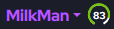
To display your OVR, you need to sync your in-game binder with MUT.GG. There are two methods to sync your binder.
Method 1:
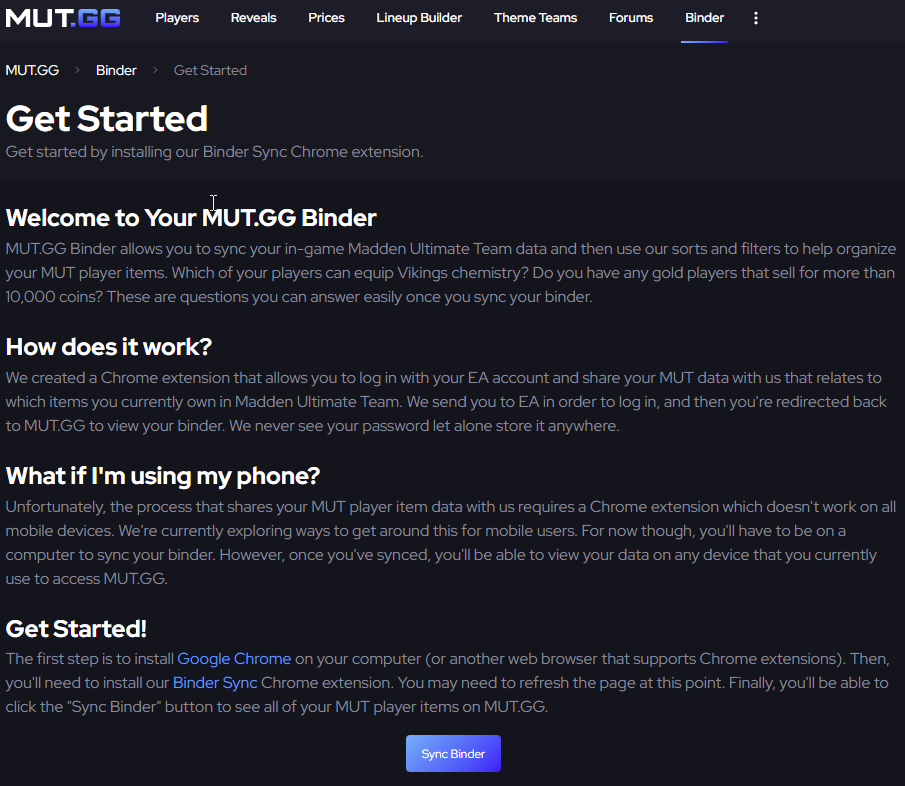
The first method requires you to be on a computer/laptop with Google Chrome and have the MUT.GG Binder Sync Extension installed. If you’ve never synced your binder before, click ‘Binder’ on the top navigation bar.

And once you click ‘Get Started,’ you’ll be taken to this page. Make sure to install the Binder Sync extension and follow any additional instructions. Once that’s complete, refresh the ‘Get Started’ page, and you should be able to sync your binder!
Method 2:
The other method of syncing your binder is through the MUT.GG Discord Server. Once in the server, type
/binder-sync
And hit enter.
You’ll receive a DM from the MUT.GG BOT with the following instructions:

Follow the instructions, and on Step Three, you’ll get a link to sync your binder.
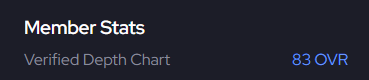
Once your binder is synced, your Depth Chart’s OVR will be displayed by your username!
How to share your lineup
If you’d like to share your lineup and have other users be able to click to see your depth chart when they look at your profile, you’ll need to make your depth chart public. You can do this by clicking the Depth Chart tab and clicking ‘Share My Depth Chart’.
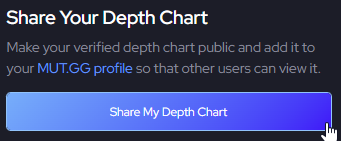
Once your depth chart is public, other users will be able to see your depth chart by clicking on your team's OVR on your profile page.
If you have any questions, please feel free to ask!


